 Backlsh




Background Time Tracking App
Backlsh runs as a background time tracking app. Work activity is recorded while your team uses their computers.
- No daily timesheet filling
- Works during the working day
TIME TRACKING
Backlsh automatic time tracking helps teams track real work hours without manual timers or timesheets.
Backlsh records work time in the background, so employees stay focused while managers see the websites and apps used, time spent, and screenshots.
14-day free trial · No credit card · $2.99/user/month
Work time recorded automatically by the desktop app.
Unlike traditional tools, Backlsh is a time tracking software without manual timers. No daily timesheet filling. No forgotten entries.
Backlsh tracks work activity in the background and organizes it into reviewable time records. Understand where the time goes without asking everyone to reconstruct their day.
Ideal for startups, remote teams, agencies, and growing organizations.
Backlsh runs as a background time tracking app. Work activity is recorded while your team uses their computers.
Understand where time goes with project based time tracking software built for real workflows. Perfect for agencies, product teams, and service businesses billing by hours.
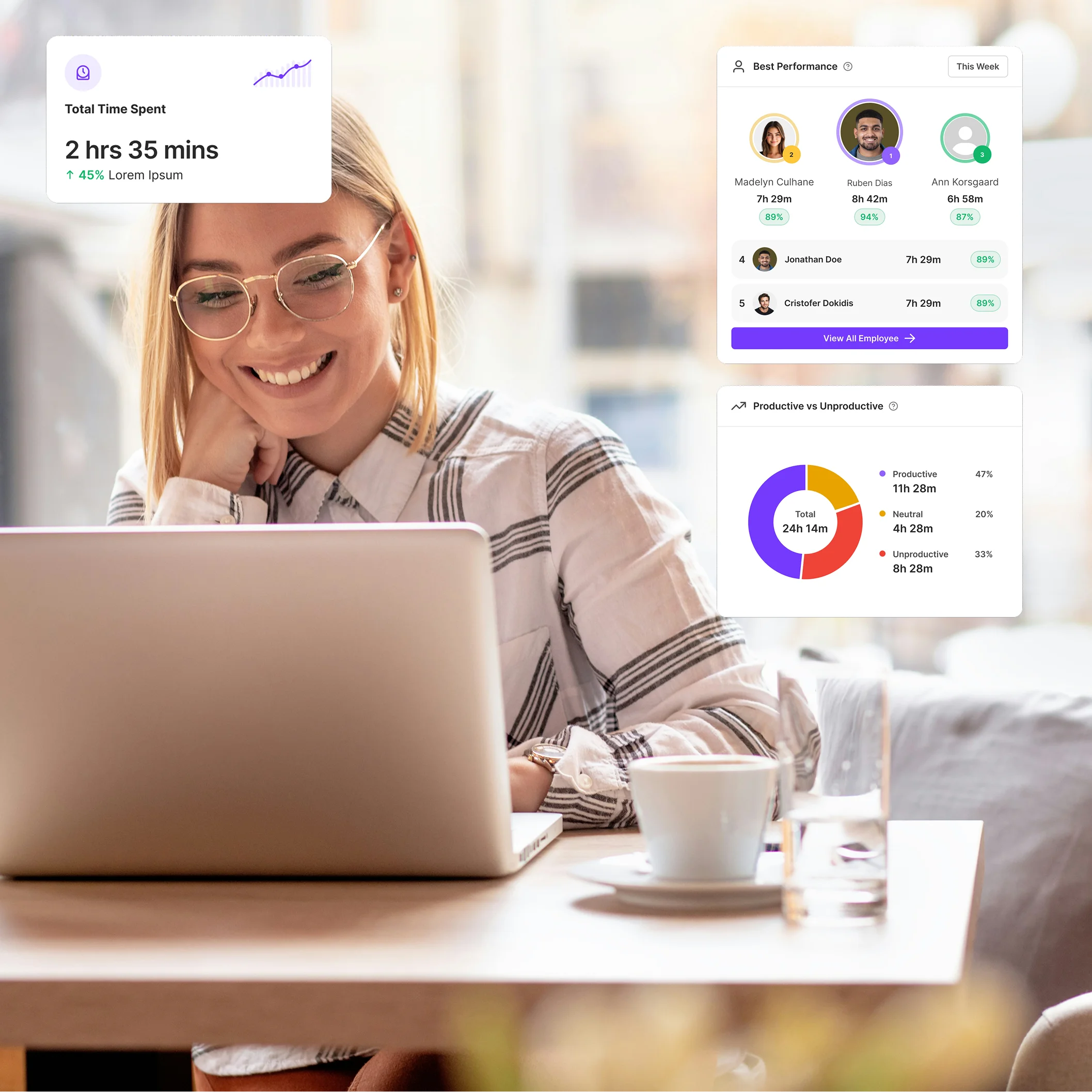
Backlsh also works as an app and website time tracking software, showing how time is distributed across tools. All data is automatically organized into easy-to-read reports.
Review recorded work activity alongside inactive periods. Backlsh’s activity processing separates idle and locked-screen activity from work records.
Backlsh provides real time time tracking software insights for managers and teams. Review live and historical time data across teams and projects.
A reliable time tracking software for small teams that grows with you. Add team members individually or use CSV onboarding for a larger team.
Built for companies that value trust, productivity, and clean data.
Show your team what is recorded: websites, apps, tracked time, and screenshots. Explain who can review it and how the information will be used. Review the available settings together before rollout.
Review tracking settings in a demo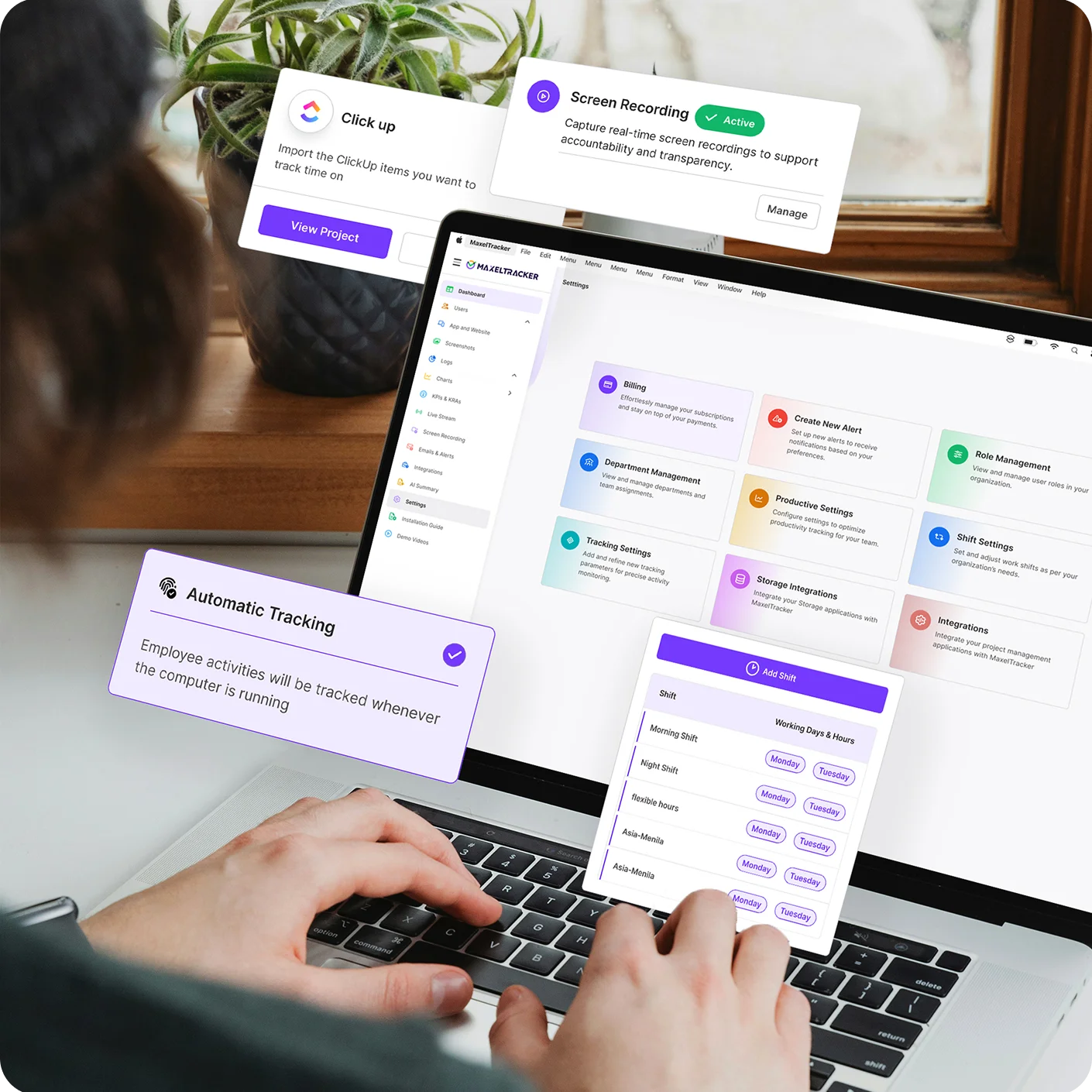
FROM THE PEOPLE USING BACKLSH
 Chirag DeolFounder &
CMORESOURCE PLANNING
Better context.
Clearer decisions.
“Its precise time tracking helps us allocate resources effectively, while distraction-minimizing features ensure focus on key tasks.”
 Joe SampsonManaging Director
REMOTE TEAM VISIBILITY
“Its accurate time tracking ensures everyone stays accountable, even across different time zones.”
A connected view of distributed work.
 Alex HuckFounding Director
DISTRIBUTED TEAMS
“With Backlsh, our distributed team remains efficient and focused, regardless of our location.”
One perspective across locations.
In their own words. Testimonials from Backlsh customers.
Read independent reviewsFrom your first login to your first insights.
Sign up for Backlsh to get started.
Download the tracker for yourself, or invite your team to join.
Install Backlsh on the computers you want to track.
Website, app, and screenshot insights will start appearing after setup.

Feedback published on the existing Backlsh time tracking page.
“Backlsh tracks time automatically without interrupting our team. Just accurate data”
“Project and task tracking finally feels effortless. Reporting is clean and reliable.”
For a personalised pricing quote, contact us here.
PREMIUM PLAN
$2.99 /month/member
No Card Required | 14 Days Free Trial
Automatic time tracking records work hours without manual timers by monitoring apps, websites, and user activity.
Backlsh tracks time in the background by monitoring applications, websites, and activity, converting it into reviewable timesheets.
Automatic tracking helps avoid missed entries caused by forgetting to start or stop timers. You can review recorded activity rather than reconstruct the day from memory.
Yes. Backlsh records work activity for remote teams through its desktop tracker, without requiring daily manual timesheet entries.
Yes. Configure matching rules to link app and website activity to projects, then review project time reports.
Yes. Classify apps and websites as productive, neutral, or non-productive for your team, then review the time spent on them.